Windows VPS Hosting
 Linux VPS Hosting


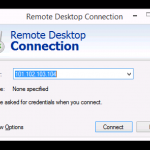
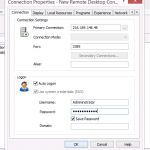
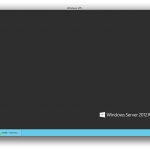
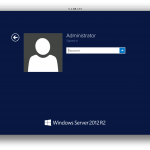
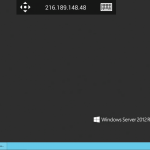
It’s easy to connect to a Windows server or VPS from Windows 8, using Microsoft’s built-in Remote Desktop Connection program, also called RDC. Read on for a walkthrough of basic configuration to connect to your remote Windows server: How to Connect 1. Open the Start menu and search for “remote desktop”. You should see Remote Desktop Connection. […]